Approve or deny
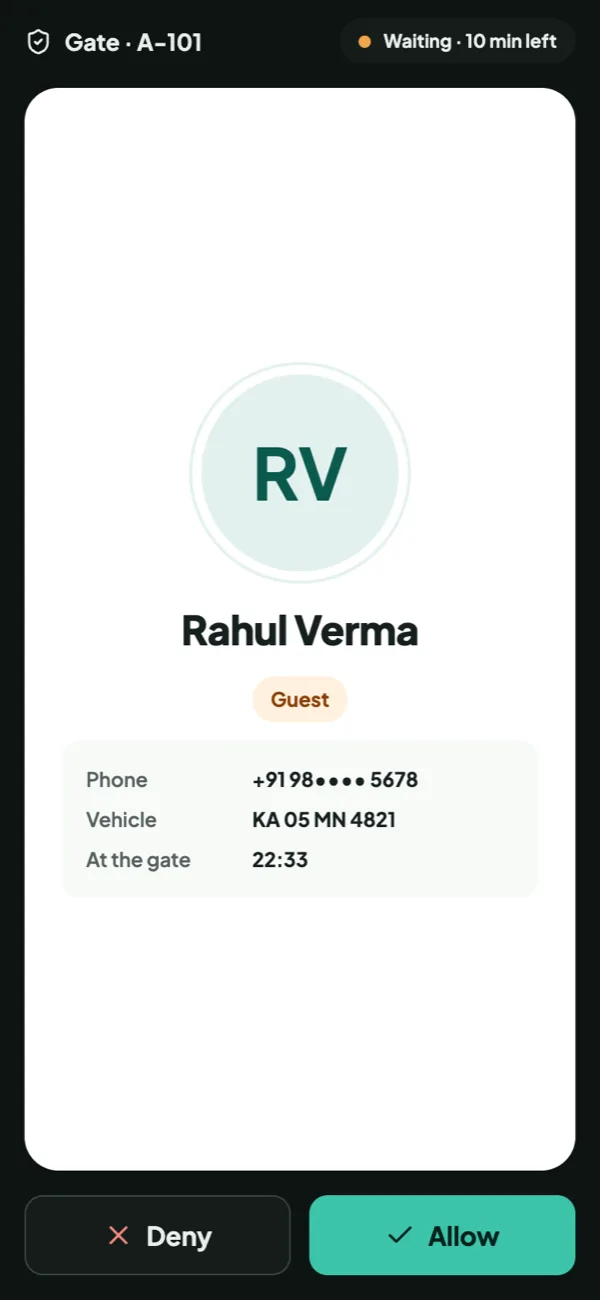
A full-screen prompt with the visitor’s photo, even when the app is closed.
Paper registers and phone calls to flats are slow and easy to get around. With Habitat the guard logs the visitor, the resident gets a full-screen prompt with a photo, and the answer reaches the gate instantly.
₹0 forever. Free setup & migration. Live in 2 days.
A full-screen prompt with the visitor’s photo, even when the app is closed.
Pre-approved guests and daily help walk in with a 6-digit code.
Who came, when, for which flat and who let them in; every visit ends with an exit, or a flag for the office.
Allow or deny. Full-screen prompt with the visitor’s photo, even when the app is closed.
Pre-approved guests. Share a code for the time you choose; the guard enters it and they walk in.
Deliveries & cabs. Swiggy, Amazon and more in one tap; parcels kept at the gate.
Daily help. Maids, cooks and drivers check in with a code; you see when they come and go.
SOS from any flat. Medical, fire, security or stuck in a lift: guards see it live, the office is notified.
Smart gates. Boom barriers, RFID and number-plate recognition.
On requestQR passes & offline gate. Scan-to-enter passes; the gate works without internet.
On request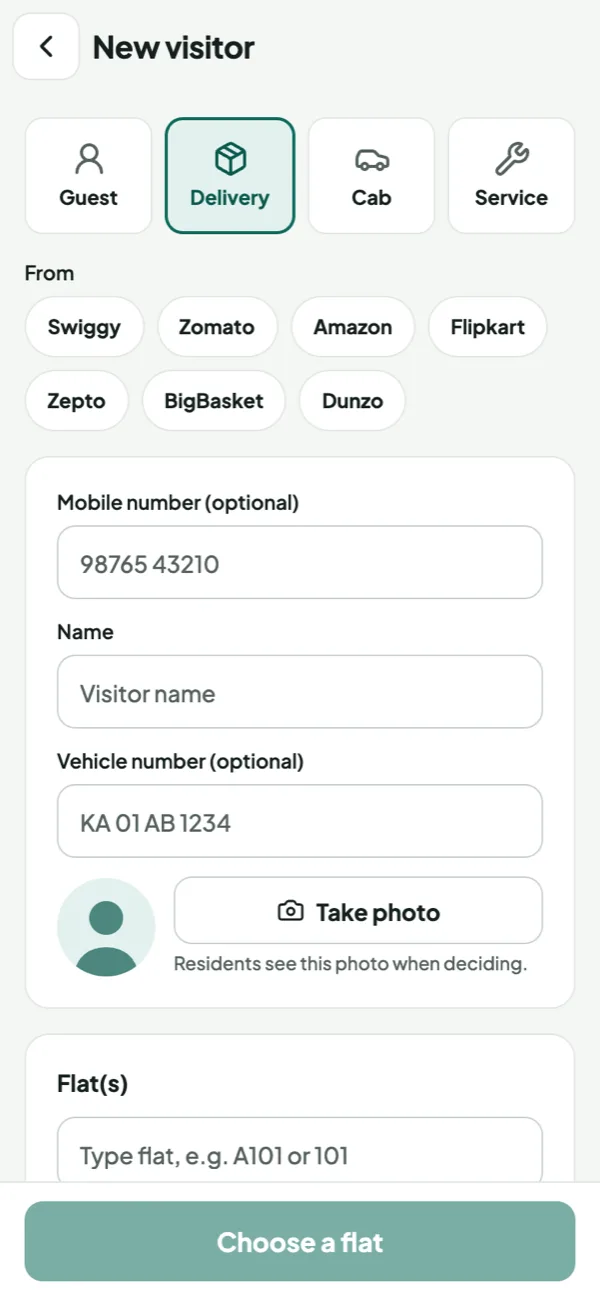
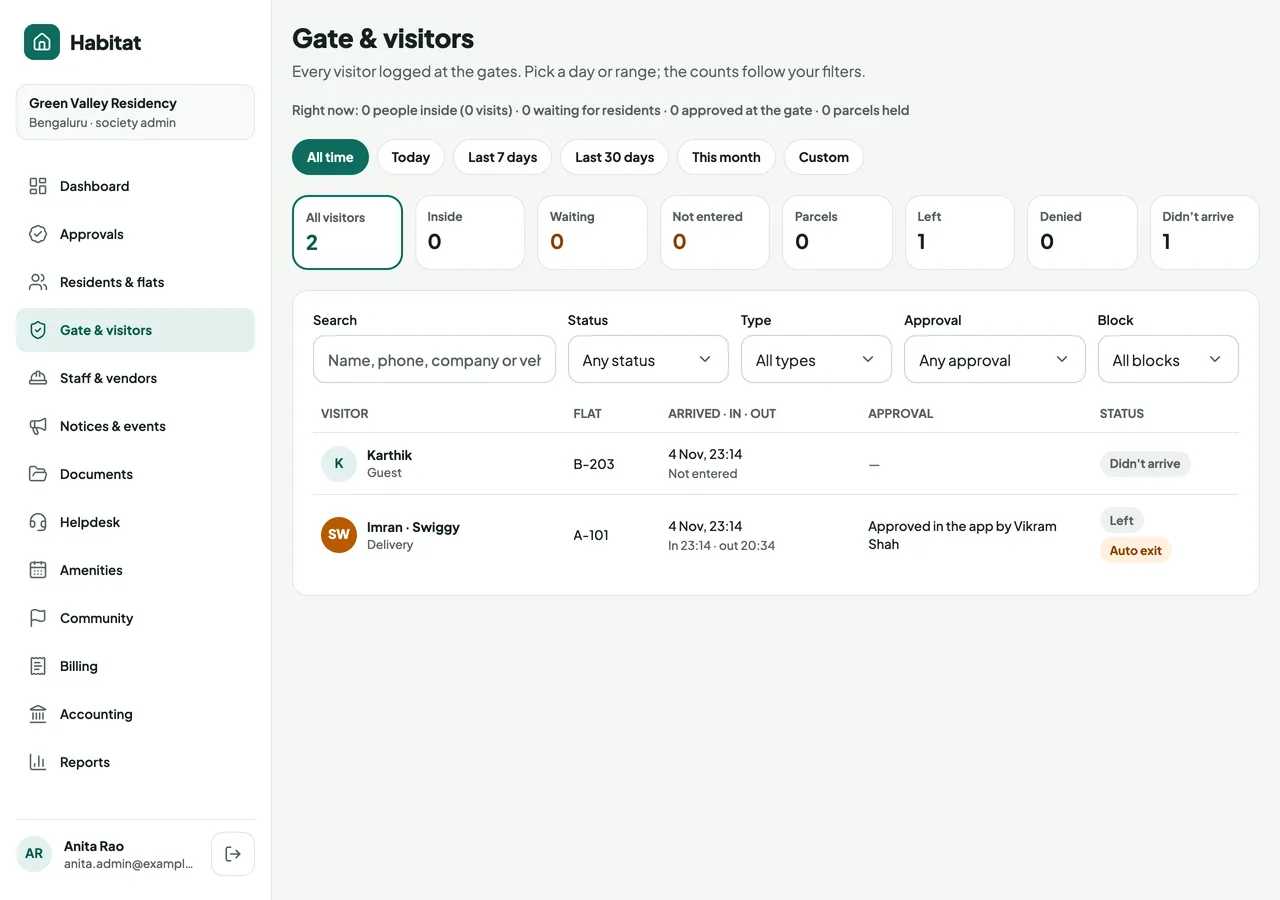
Auto checkout by type. Guests after 12 hours, cabs and deliveries after 1, services after 4. Each auto exit is flagged.
The household confirms. Where the rules say ask, residents get one prompt: They’ve left, or Still here.
Codes that expire. Valid only for the time the resident picks, up to 31 days, and easy to extend.
Groups, counted. The guard records how many came in, then checks out all or some of them.
Nothing slips past the office. Didn’t arrive, Auto exit and Overstaying are flagged, never a log full of people “inside”.
Timers and rules are set for each society; these are the defaults.
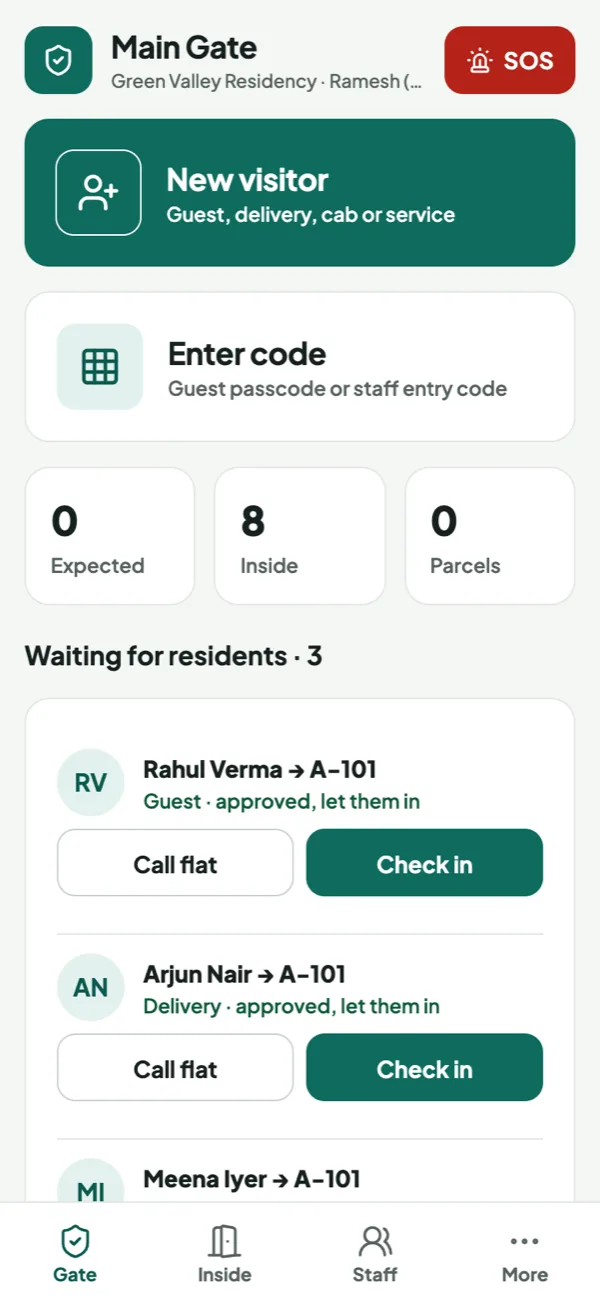
Habitat gate device. No charge: a refundable deposit. Residents’ data never sits on a guard’s personal phone.
Paired, not logged in. The admin pairs it with a QR code; each guard goes on duty with a 4-digit PIN.
Fast at the gate. Big buttons, repeat visitors fill in, one keypad for guest and staff codes.
Alerts & SOS arrive. Always on and online; a resident’s SOS shows live and the device vibrates.
Tamper-proof, lost or not. Runs only Habitat; a lost device is signed out instantly, locked and wiped.
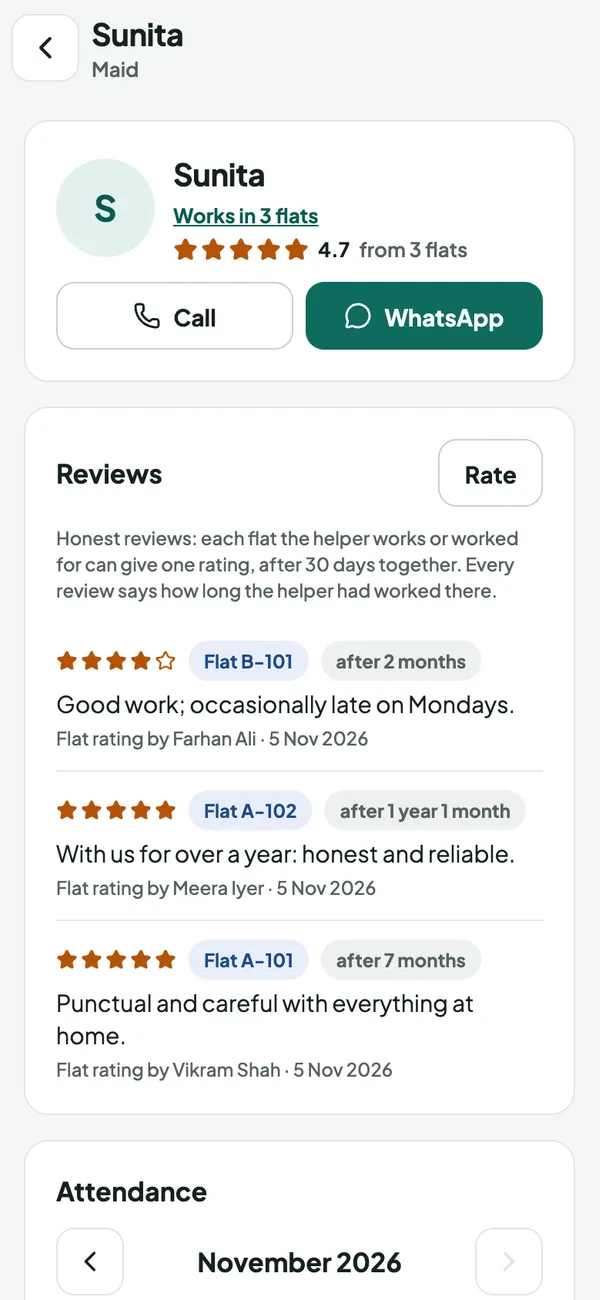
Reviews after 30 days. One rating per flat, and only once the helper has worked there a month.
Tenure on every review. “After 7 months” tells you how much each review is worth.
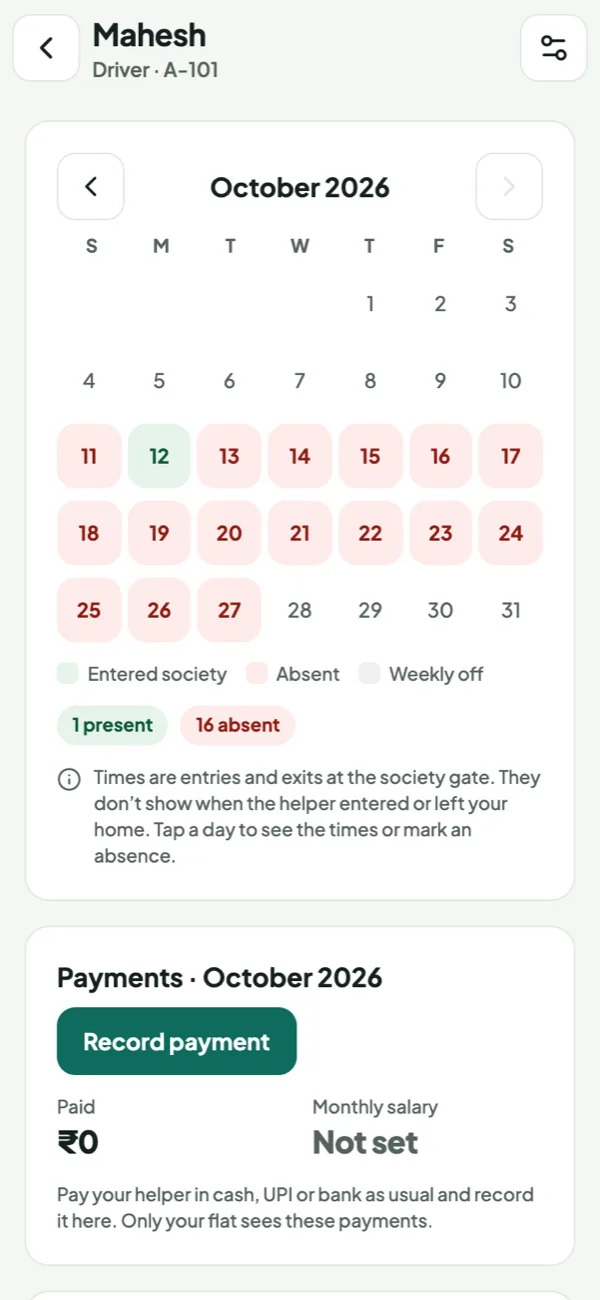
Attendance calendar. Green when they entered the society, red when they didn’t; tap a day for the times.
Salary & payments. Record cash or UPI; paid days are marked. Private to your flat.
Hire with confidence. Every helper in the society with contact details, or add someone new for the society to review.
Times shown are entries to the society, not to the home.
The guard enters the visitor on the guard app, with a photo from the camera. The resident gets a full-screen prompt on their phone and taps Allow or Deny. The guard sees the answer at once, or can call the flat from the app.
Deliveries and cabs are logged in one tap, and parcels left at the gate are tracked until collected. Maids, cooks and drivers check in with an entry code, and each flat sees an attendance calendar of when their help came and went.
Yes. Any resident can raise a medical, fire, security or stuck-in-a-lift alert. Guards see it live on the gate screen and the society office is notified with the flat and phone number.
Yes. There is no subscription, per-flat fee, setup fee or paid tier, and onboarding, migration and training are free too. The only third-party charge is the payment gateway’s standard fee on online payments, shown before anyone pays.
On highly secure servers in India, and never sold. Every person sees only what their role allows, and every admin and money action is in the audit trail. There is no contract, and you can export your data any time.
Get a free, guided demo, then go live in 2 days. No cost, no contract.